SarkariJobers Exam Prep
Practise for SSC, Bank, Railway and UPSC exams with free mock tests
Every test is newly written by AI, timed like the real exam, and explained answer by answer, in English or हिन्दी.
No sign-up needed for your first test.
- exams covered
- 24exams covered
- both languages
- EN · हिन्दीboth languages
- answers explained
- 100%answers explained
- first test, no sign-up
- ₹0first test, no sign-up
Try a question now
A train 180 m long passes a pole in 12 seconds. How long will it take to pass a platform 270 m long?
Tap an answer to check it.
🔎 Find a job you can apply for
Type a job, a state or a department - suggestions show as you type. Add your date of birth to see where your age fits.
Only posts whose last date has not passed.
How it works
- 1
Choose your test
Pick the exam, 5 to 100 questions, the difficulty, and English or हिन्दी.
- 2
Answer against the clock
The timer works like the real exam. If the page reloads, your time and answers are kept.
- 3
Learn from every answer
See your score straight away, with the correct answer and an explanation for each question.
Choose your exam
24 exams · English and हिन्दी · timed like the real paper
Latest articles and tips
All articles →- 4 min readMind-Body Connection: A Practical Guide for Exam Preparation
- 4 min readEmotional Regulation and Mood: A Practical Study Guide
- 4 min readEmotional Regulation and Mood: A Practical Study Guide
- 5 min readHow to Prepare for Cognitive Capabilities (Traditional IQ) Tests
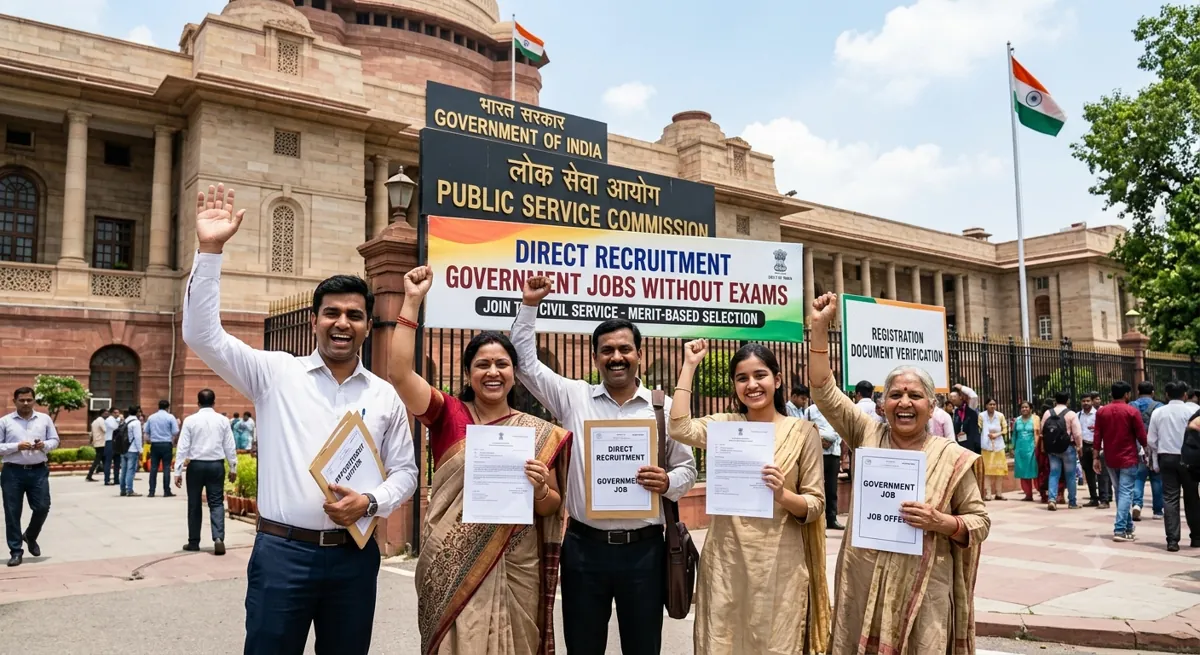 4 min readGovernment Jobs Without Exams: Direct Recruitment Guide
- 4 min readHow to Analyse Previous-Year Papers for Government Exams
What you get free
- One full test without signing up
- Free tests when you log in with Google
- An explanation for every question
- Your scores and past tests saved on your dashboard
Frequently asked questions
Are these mock tests really free?
Yes. Ready-made mock tests are free to take, and you can start your first test without signing up. After you log in with Google you also get free credits from time to time to create new tests with AI.
Which exams can I practise for?
SSC (CGL, CHSL, MTS, GD and more), banking (IBPS PO, SBI Clerk and more), railway (RRB NTPC, Group D and more), defence, police, teaching (CTET) and UPSC prelims: 24 exams, each with its own page. You can also type any other exam name.
Can I take the tests in Hindi?
Yes. Every exam page is in English and Hindi, and you choose English or Hindi when you create a test. Ready tests show their language on the card.
Do I need to log in?
No, you can take a test straight away. Log in with Google to keep your results, streak and progress on every device and to appear on test leaderboards.
Who writes the questions? Are the answers correct?
Questions are written by AI for each exam's topics and level, and every question comes with an explanation. Questions whose explanation does not match an option are removed automatically. Always check the official exam notification for the exact pattern.
Which level should I start with?
Start with Easy. When you pass a level, the next one is suggested: Easy, Medium, Hard and Very hard. If you do not pass, you see revision notes before you try again.
Can I use it like an app on my phone?
Yes. Open the site in your phone's browser and choose Install or Add to Home screen. It then opens like an app.